
How can I edit what the description says on my event purchase page?
Edited
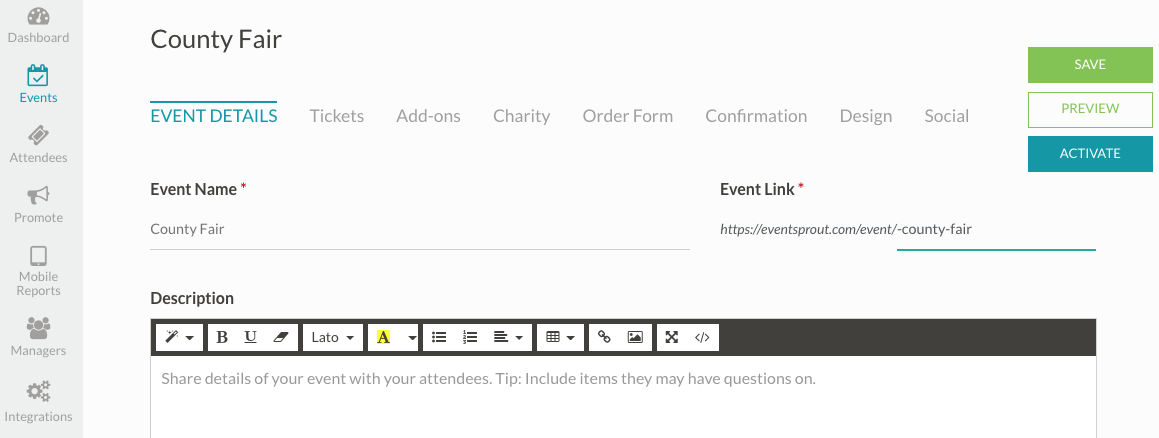
Adding basic details and announcements in the event description is easy. To edit basic event info, add links to your website, etc, follow the steps below:
1. Log in to your EventSprout Account
2. Select/create your event under the "Events" feature on the lefthand sidebar.
3. Choose "Event Details" to edit Event Name, Event Link, Description, Location, Dates, Fees, Privacy, Contact info, and Tags.
4. Click the "Save" button on the top right hand corner of the screen.
5. Click "View Event" to see how your changes/info will look to the public once your event is activated.
Was this article helpful?
Sorry about that! Care to tell us more?