How can I personalize my confirmation email?
EventSprout’s default confirmation email acts like a receipt for a customer’s purchase, along with a link to any tickets he/she may have purchased. You also have the option of including additional notes, unique to your event, for your customers by following these steps:
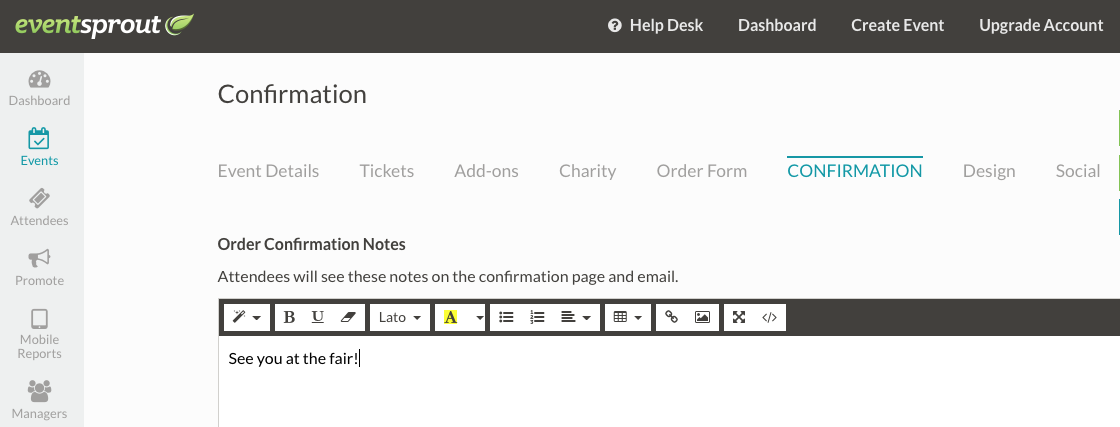
While creating or editing an event, head to the "Confirmation" tab
Under "Order Confirmation Notes" you can write whatever you'd like your attendees to know before attending the event.
Always make sure to hit the "save" button in the upper right corner!
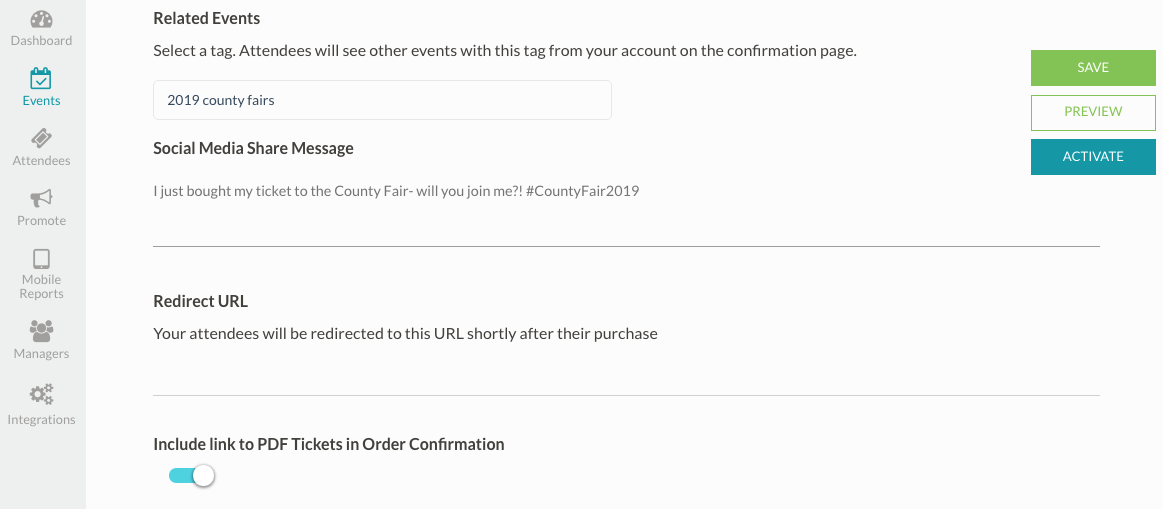
You also have a number of other customizable options under the "Confirmation" tab, including:
- A "Related Events" section, where you can link similar events together by tagging them with the same word or phrase
- An option to include a PDF ticket along with the order confirmation