
Where can I view my ticket?
Edited
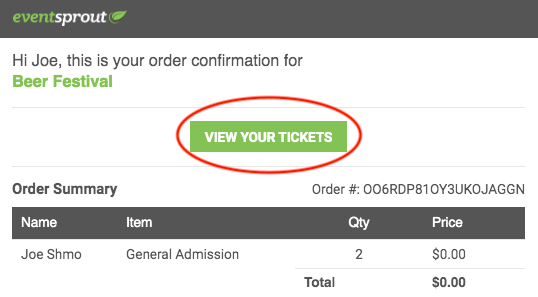
After you complete a purchase, you will receive a confirmation email from EventSprout. If PDF tickets are being used for your event (rather than a Will Call List), you'll see a button in your confirmation email that says "View Your Tickets". Click that to pull up your ticket(s).
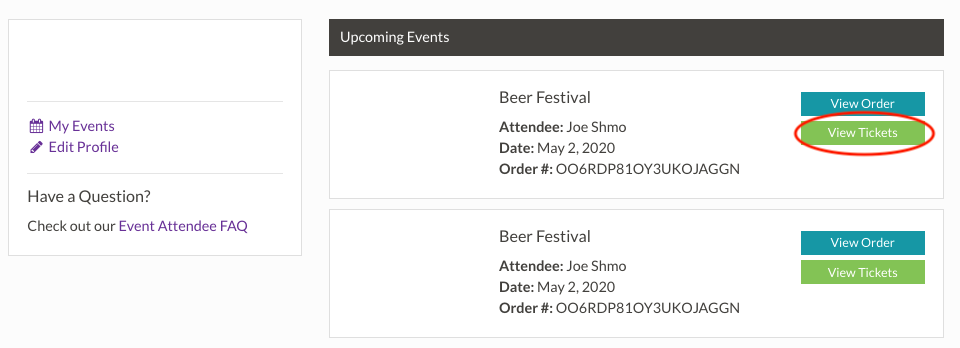
You can also view your ticket by logging into your EventSprout account, finding your event under "Upcoming Events" and selecting "View Tickets".
Unless otherwise stated by your Event Organizer, EventSprout tickets can be scanned from your mobile device or can be printed.
Was this article helpful?
Sorry about that! Care to tell us more?